Does Google Business Profile Have a WhatsApp Button Now?
Andy Harris · October 9, 2026 · 8 min read
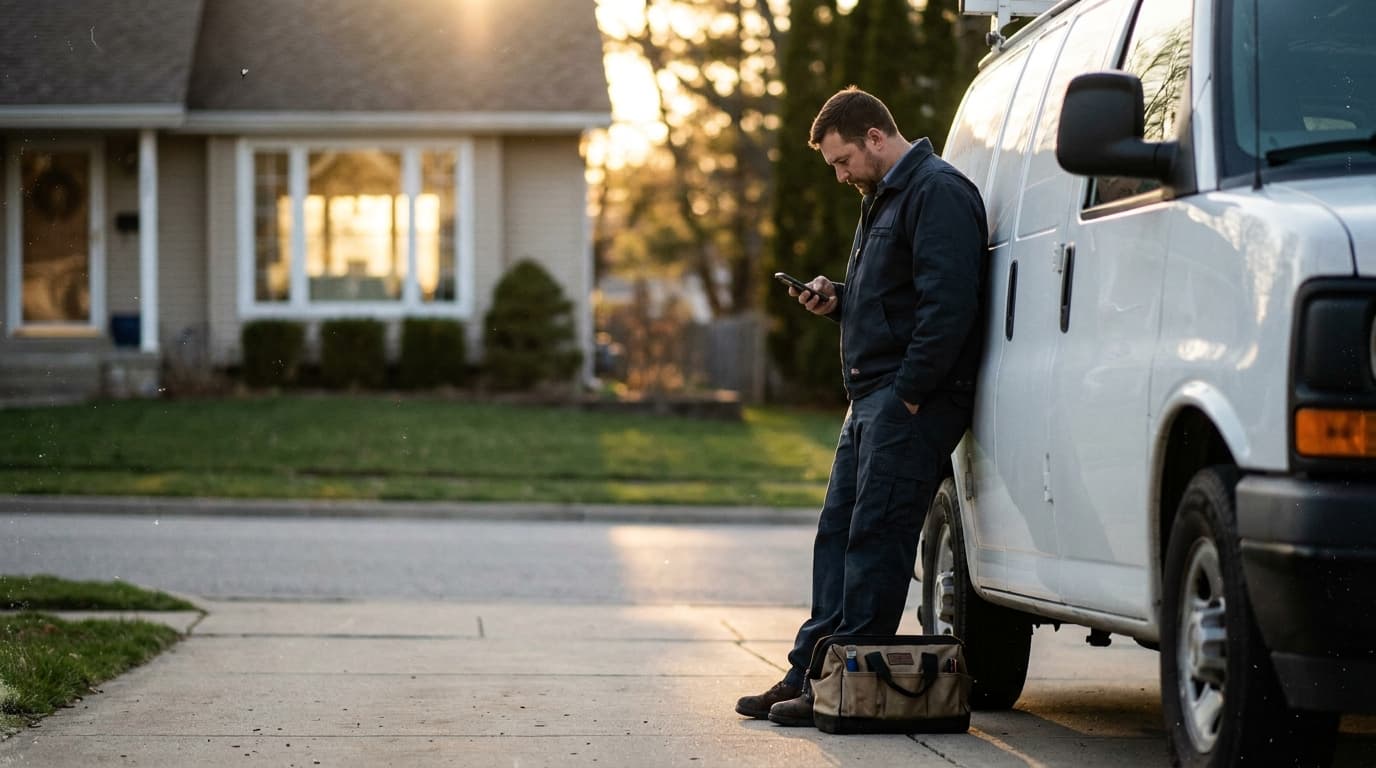
Yes, Google is rolling out a WhatsApp button in local panel results. According to Barry Schwartz at Search Engine Roundtable, it gives searchers a direct chat option next to the call and directions buttons. For roofing, HVAC and other home-services shops, it's one more way to be reached, if your profile is in shape.
What is the Google WhatsApp button in local results?
The WhatsApp button is a chat option that appears in the local panel, the box Google shows with your business name, reviews and contact details. Per Barry Schwartz, it sits alongside the existing call and directions options. A searcher can tap it and start a conversation without dialing.
That's the whole feature. It's a shortcut from a search result to a message thread with your business.
Barry Schwartz covers Google search changes as they show up, and this one is still a rollout. That means some businesses will see it and some won't, and Google may change how it works. I'm not going to guess at details nobody has confirmed. What I can tell you is what to do about it as a business owner.
Should a roofing or HVAC company care about a chat button?
Yes, pay attention, but don't panic. A new button is one more door into your business, and every door needs someone behind it. If a prospect taps chat and nobody answers, that lead goes to the next company on the map. The button only helps shops that respond.
Think about how people shop for home services. A homeowner with a leaking roof or a dead furnace is on their phone, often at a bad hour, often looking at three or four companies at once. They tap whoever makes it easiest.
Some people would rather type than talk. Maybe they're at work. Maybe they're in a meeting. Maybe they just don't want a sales call. A chat button gives those people a way in that a phone number doesn't.
But here's the blunt part. Most small contractors already miss calls. If you miss calls today, adding a chat channel doesn't fix that. It gives you a second inbox to ignore.
How do you get your profile ready for the WhatsApp button?
Start with the basics Google already uses: a correct phone number, accurate hours, the right categories and services. Then decide who answers chat messages and how fast. The button is rolling out gradually, so you may not see it yet. Get ready now instead of scrambling when it appears.
Here's the order I'd work in:
- Log in and look at your profile as a customer sees it. Search your business name on your phone. See which buttons show up: call, directions, website, and now possibly chat.
- Fix the basics. Check your phone number, hours, service area, categories and website link. If any of it is old, fix it today.
- Pick one person to own messages. Not "whoever sees it." One name. A backup for when that person is on a roof or in a crawl space.
- Set a response rule. Something simple, like every message gets a reply the same business day, and urgent ones within the hour during working hours.
- Write a short standard first reply. Ask for the address, the problem, and the best time. Keep it human. No script that sounds like a robot.
- Check it weekly. Look at your profile, your messages and your reviews on the same schedule so nothing sits.
None of that is complicated. It's just the work most shops skip.
This video covers the Google messaging update that brought WhatsApp and SMS to business profiles.
Does a WhatsApp button replace phone calls?
No. It adds to the call button; it doesn't replace it, going by what Barry Schwartz reported. Plenty of homeowners with a burst pipe or a dead AC will still pick up the phone. Chat suits people who are browsing or comparing. You need to cover both.
So don't pull your attention off the phone. The call button is still where the emergency work comes from. Answer it, or have it forwarded to someone who will.
Chat is where you catch the quieter lead. The person pricing a roof replacement for next spring. The landlord asking about a tune-up on three units. These people may never call, but they might type a question.
If you want a second layer on the phone side, our voice agents page covers how some shops make sure calls get answered when the crew is busy. Either way, the goal is the same: nobody reaches out and hears nothing back.
What happens if nobody answers the chat?
The prospect moves on. People who choose chat expect a quick reply, and they're usually messaging more than one company. A message that sits for a day looks the same as a company that doesn't care. In local search, slow is a lost job.
There's a second cost. Your Google profile is a storefront. When a customer taps a button and gets silence, they don't blame the button. They blame you. Some of them will say so in a review.
So here are a few things I'd avoid:
- Don't add a contact method you can't staff.
- Don't give a number or account that only one person checks, and that person is on vacation.
- Don't promise instant quotes in chat unless you can actually deliver them.
- Don't copy and paste the same cold reply to everyone.
A fast, plain, human answer beats a fancy setup every time.
Why does a managed Google profile matter more with every new button?
Every new feature raises the stakes on the basics. If your hours are wrong, your number is old, or a stranger suggested an edit to your listing, a faster way to reach you just means a faster way to be disappointed. Profile upkeep isn't a one-time job.
Google keeps adding things to local results. Buttons, labels, messaging, new attributes. Each one is a chance to get ahead of the competitor down the road, and each one is also another thing that can quietly be wrong on your profile.
Most owners I talk to set up their profile once and haven't looked since. Then they wonder why a competitor with fewer years in business shows up above them.
Here's what a profile that's actually being looked after usually has:
- Correct hours, including holidays
- Services and categories that match the work you want
- Recent photos of real jobs
- Reviews that get answered
- Someone watching for edits you didn't make
If you're not sure where yours stands, run the free Local Visibility Score to see how you show up, or request a Google profile audit and we'll go through the listing line by line. It's the same checklist whether or not the WhatsApp button ever reaches you.
What should I do this week?
Do three things. Look at your profile on your phone like a customer would. Fix anything that's wrong. Decide who owns incoming messages. That's about an hour of work, and it prepares you for chat, calls and anything else Google adds next.
Then keep an eye out. Google's rollouts are slow and uneven, so you may not see the button for a while. When it does appear, you want to be the shop that already has an answer plan, not the one finding out from a lost lead.
If your local search has more gaps than just this one, our local search service is built to handle profile management, so the unglamorous stuff gets done every week without you thinking about it.
Common questions
Can every business get the Google WhatsApp button right now?
Probably not. Barry Schwartz reports Google is rolling it out, and rollouts are gradual. Some businesses will see the button before others, and Google can change it along the way. Check your profile on your phone to see what shows, and keep your information current either way.
Do I need to use WhatsApp to run a roofing or HVAC business?
No. Nobody has to adopt every channel. But if Google puts a chat option on your listing, customers may use it. Decide ahead of time whether you'll answer, who will, and how fast, so you aren't caught off guard when a message arrives.
Will the WhatsApp button replace the call button on my profile?
No. According to the Search Engine Roundtable report, it appears alongside call and directions. Customers who need help right now will still call. Chat is an added option, so keep your phone number correct and make sure someone picks up.
How do I know if my Google Business Profile is ready for new features?
Start with accuracy: phone, hours, categories, services and website. Then check who watches messages and reviews. A free Local Visibility Score at leadspass.ai/visibility-score shows how you appear in local search today, and a profile audit goes deeper into what needs fixing.